
Daily inputs
Role-based home screens, site diary, installed quantities and supporting photos.
Tru3 / Stone Max
Management visibility across stone supply, quality, progress and commercial performance.
Book a live demoInteractive prototype · Example data
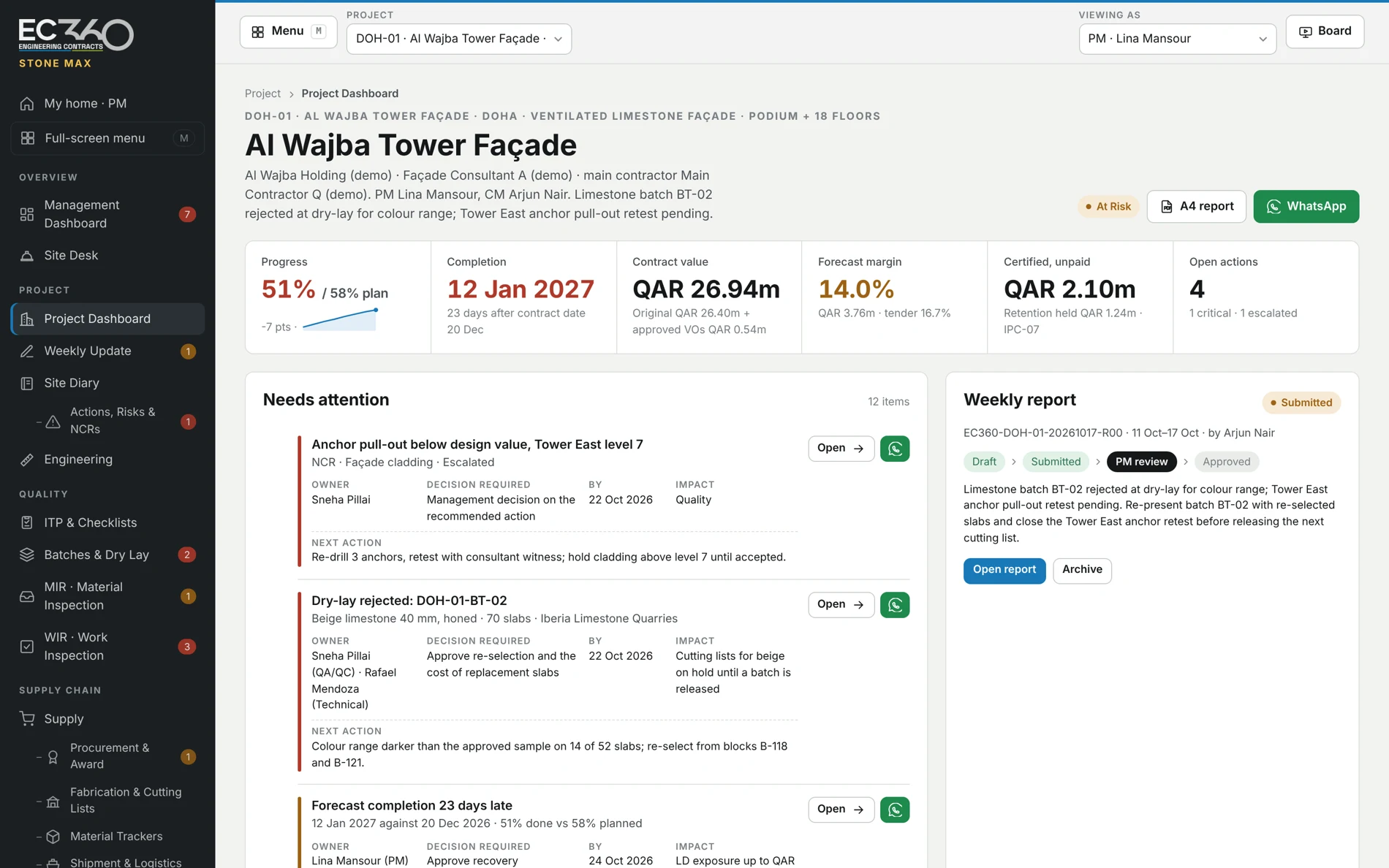
Built around stone contracting
01 / Which batch is holding production?
Review stone lots, dry lay status and re-selection actions. Connect an appearance rejection to the cutting lists it affects.
See it in a demo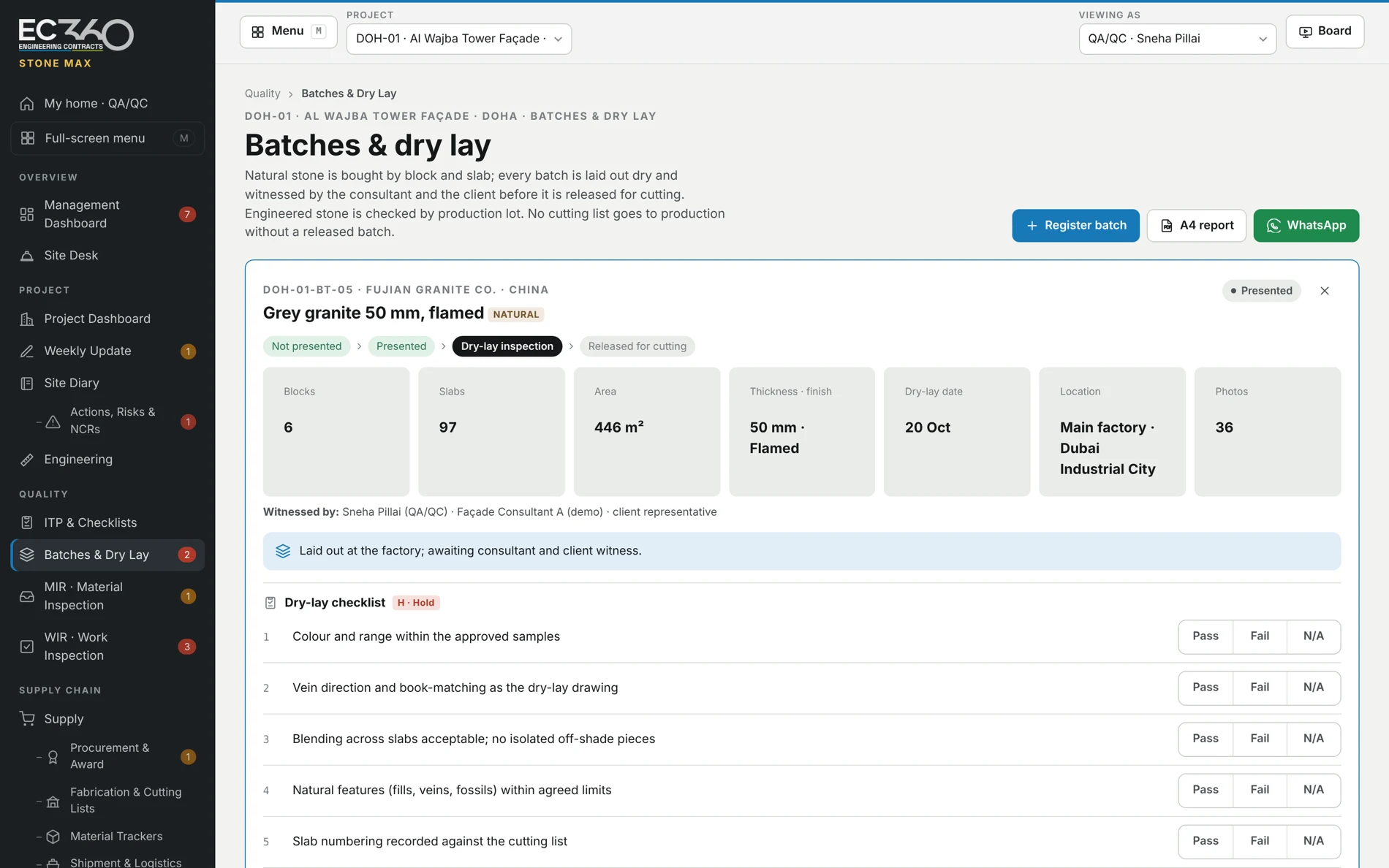
02 / What is ready to dispatch?
Follow quantities through cutting, finishing, quality checks and crating. Distinguish material in production from stone ready for shipment.
See it in a demo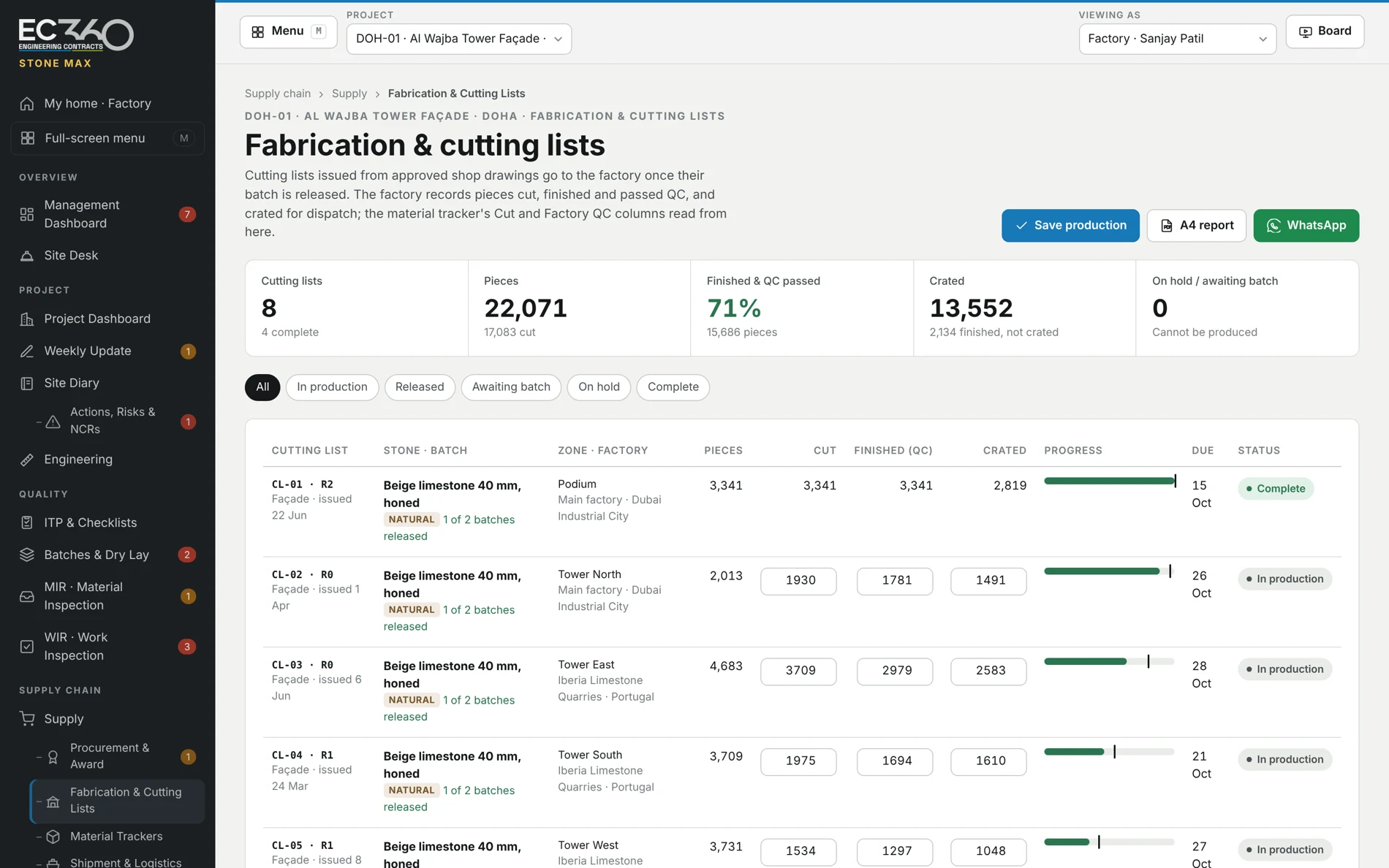
03 / Where is our stone?
See material progress and shipment status alongside the project need. Open the record behind a supply constraint.
See it in a demo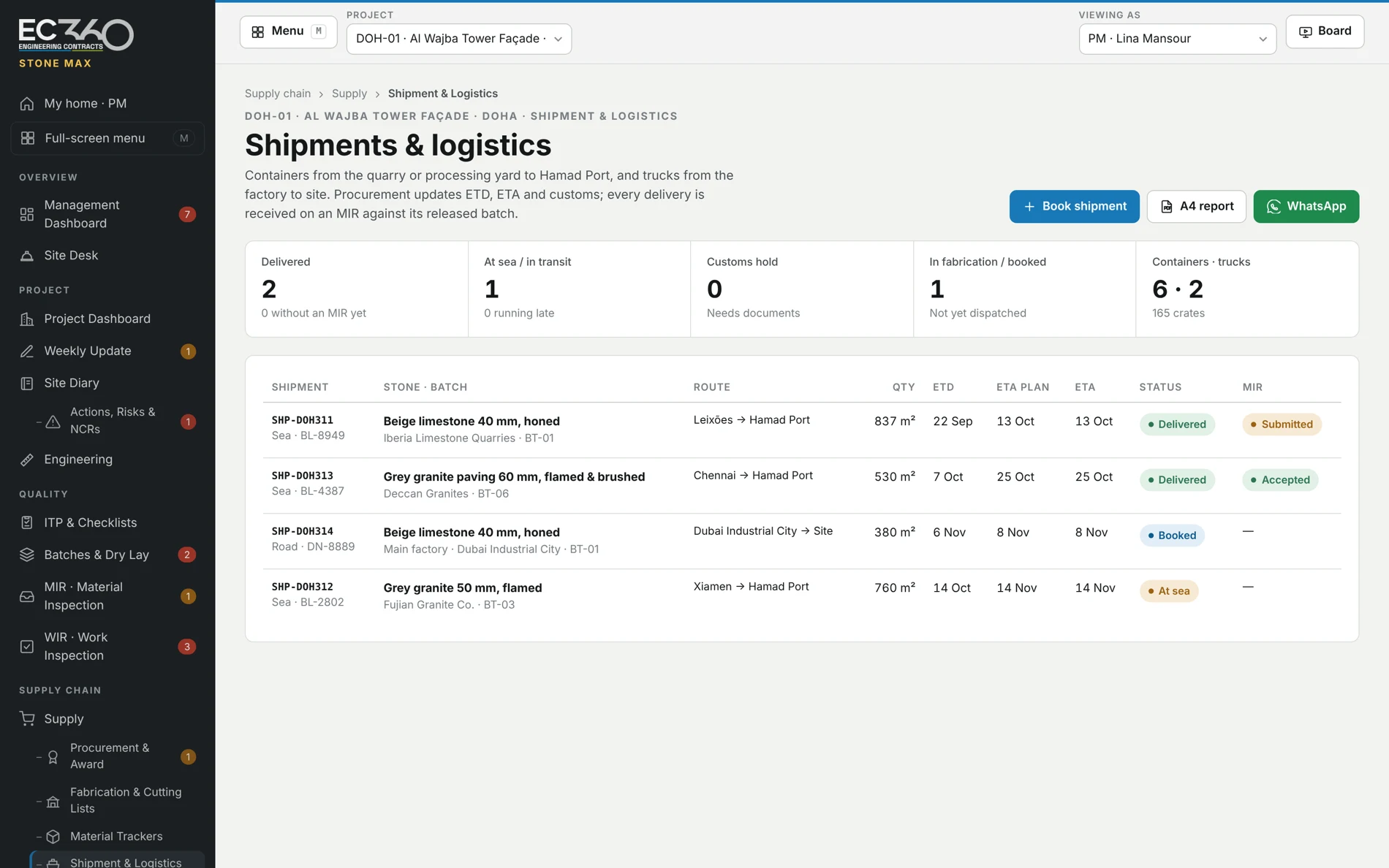
04 / What is waiting for inspection?
Review inspection stages, ITP checklists and linked work records. Bring batches, material inspection requests and work inspection requests into the discussion.
See it in a demo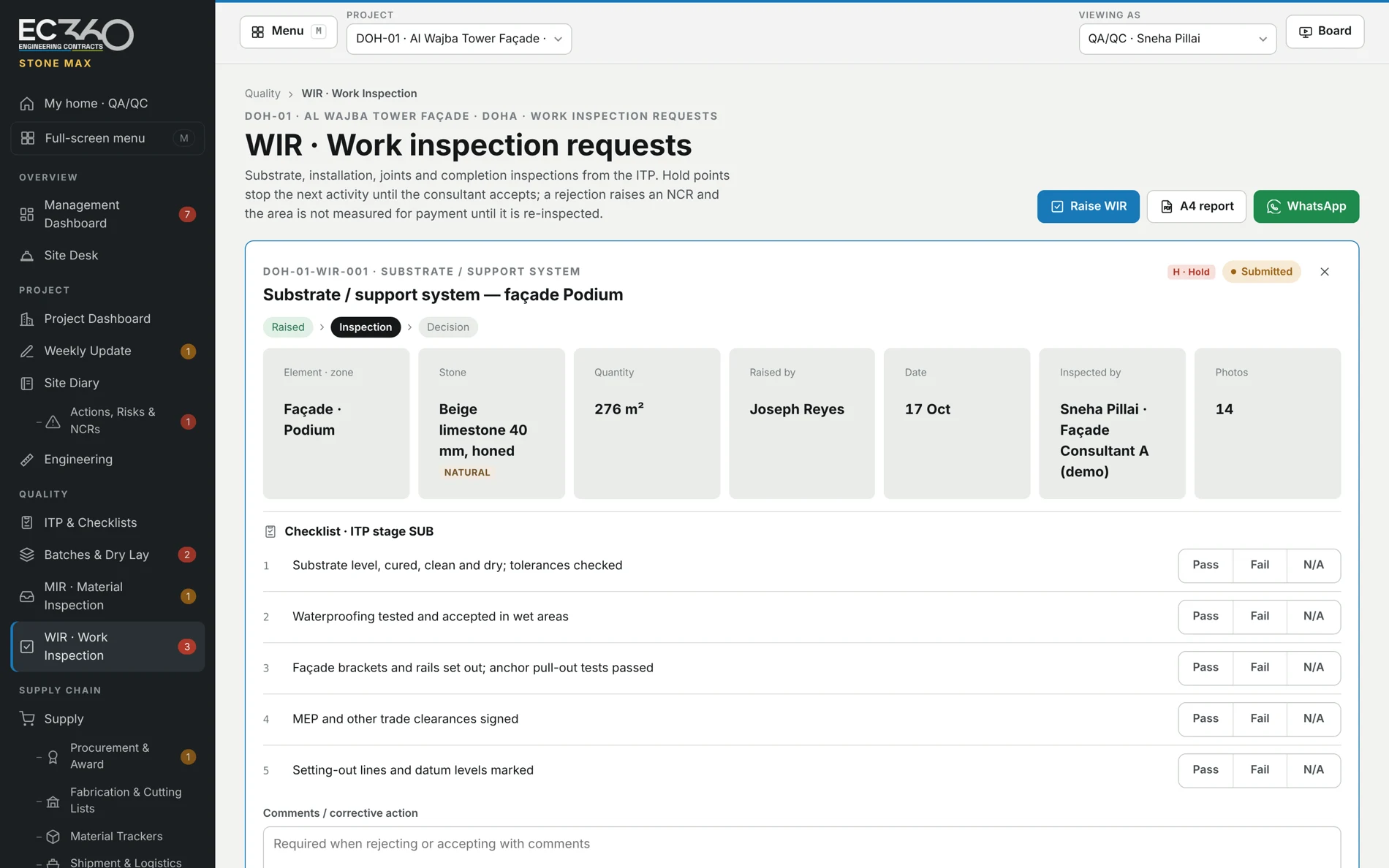
Across the project
Role-based home screens, site diary, installed quantities and supporting photos.
Project-manager review, A4 reports, WhatsApp sharing and board presentation views.
Actions, risks, NCRs and close-out records. Audit records for live use must be validated before the pilot.
The product today
The current materials show an interactive browser prototype. Shared storage, secure sign-in, enforced access, company separation, backup and recovery are required before live project data is introduced.
How we prepare a pilot ↗A clearer next decision
See Stone Max or Fitout Max with example data. Discuss a pilot around your own project.